
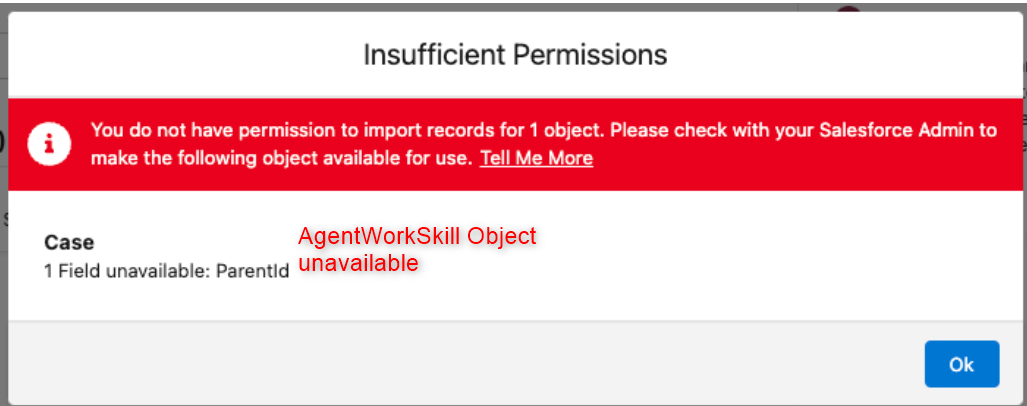
Working with Data Cloud setup (Creating a Salesforce CRM data stream) and got this error and had to look around different places for a solution and finally was able to fix it with some googling around and some of my common sense. Here is it !!!
Possible Reasons and Fixes
AgentWorkSkill Object is missing in the org
Omni Channel is not enabled.
Possible solution to try
- Make sure Onmi Channel is enabled. If not, enable it :

2. Install the Kit:
- Go to Data Cloud Setup.
- Under Salesforce Integrations, select Salesforce CRM.
- In the list of Standard Data Bundles, click
 for the desired bundle, and select Install.
 - In the Package Install flow, follow the standard process for installing a data kit.
Once installed this packages, you can create the new Data Stream using Salesforce CRM.

Leave a Reply